Your browser.
Big Tech turned web browsers into advertising platforms, with you as the product. Sval is a browser that works for you instead. You don’t need an account, your data never sits on our servers, and there are no analytics, sponsored news, weather widgets, or AI chat boxes. Sval’s ad blocker is built in and uses the same filter lists as uBlock Origin. Sval is built on Firefox, so your favorite extensions work too.
Made to be used.
Not to use you.
We ripped out all the attention-grabbing data tracking and added actually useful stuff.
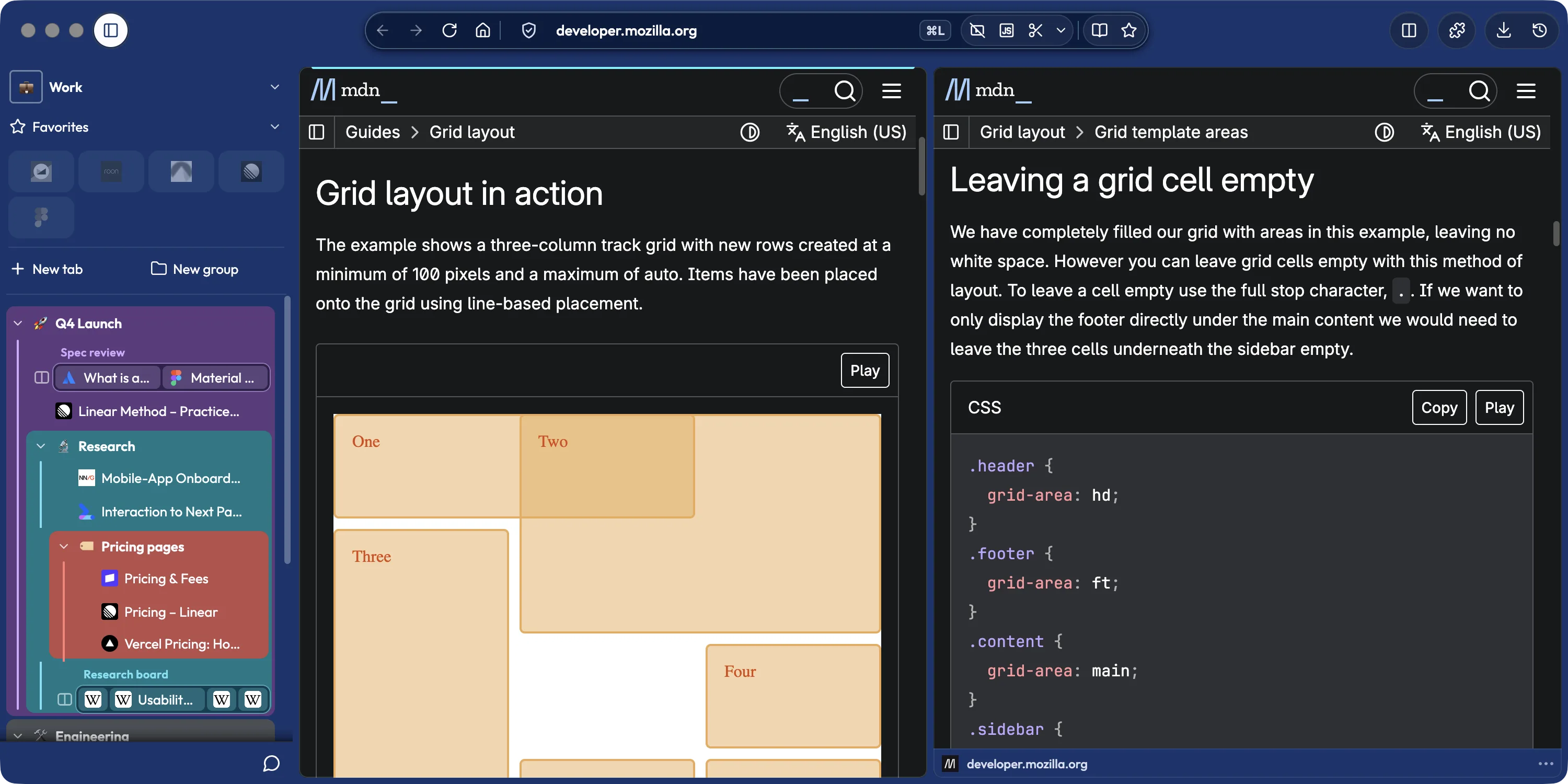
Workspaces that sync through your own folder
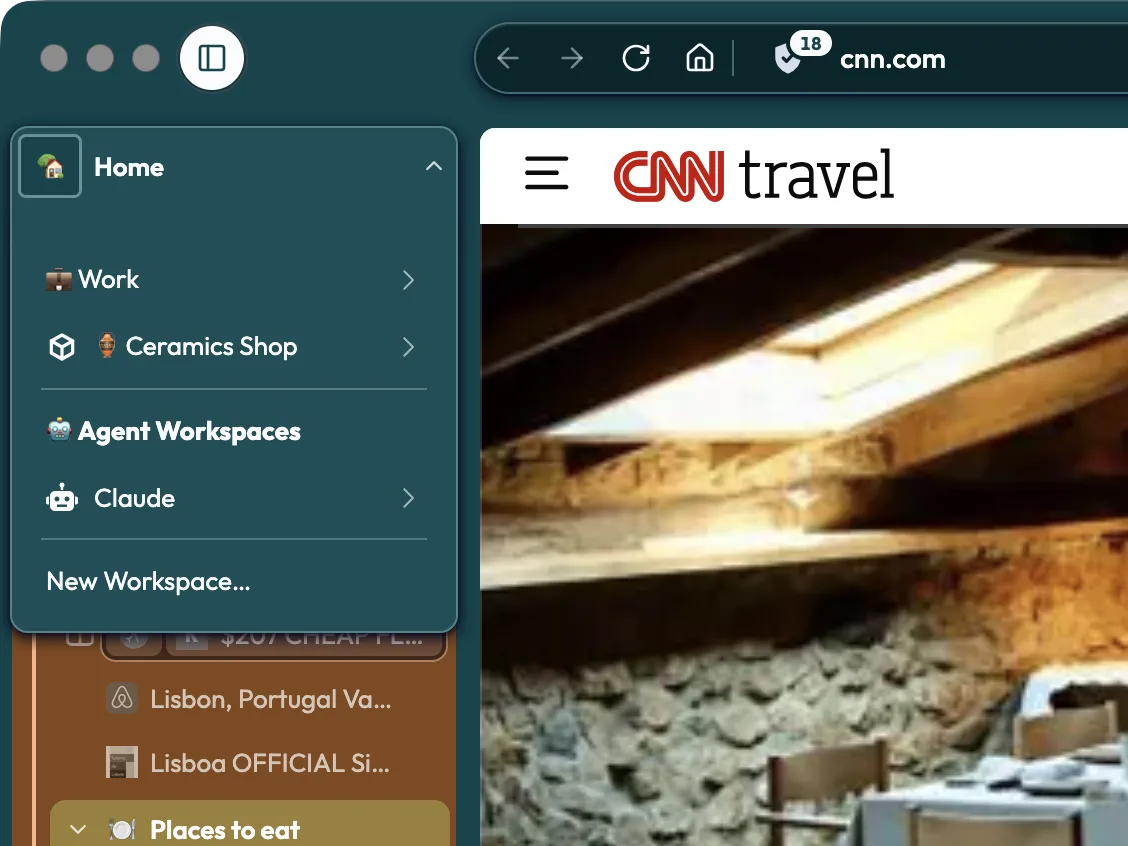
Make Workspaces for work, side projects, that trip you will keep not planning, whatever... Isolate one and its sites get their own sign-ins.
Sval syncs your Workspaces through a folder you already have, like iCloud Drive, Dropbox, or a drive on your network. You don’t make an account, and we don’t run a sync server. Everything in the folder is end-to-end encrypted with a key only your devices have.
We can’t sell what we don’t collect
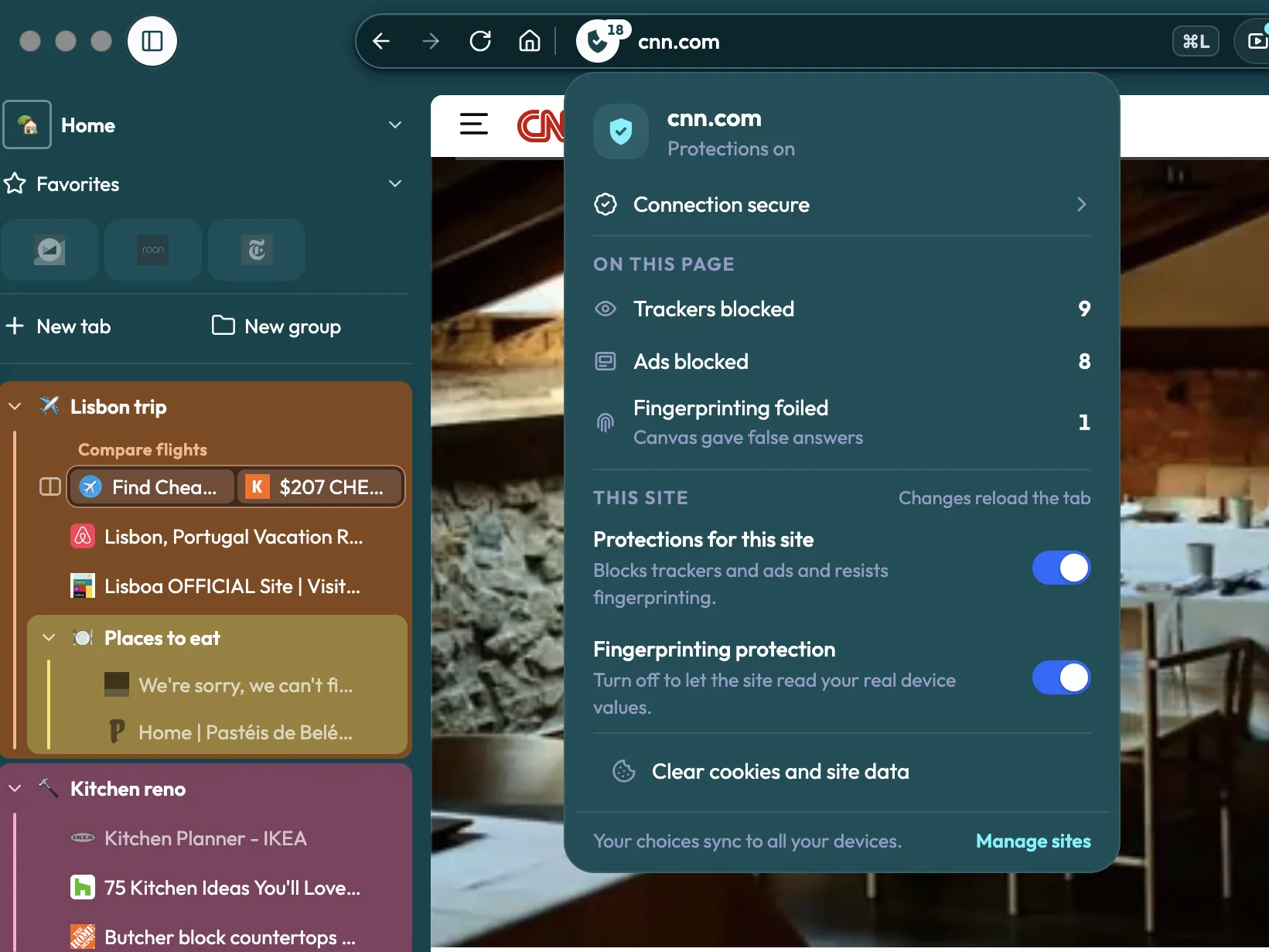
Most privacy policies spend twenty pages of legalese explaining all the crappy ways you don’t own your data. Ours is short, because we don’t collect anything about you.
Sval also blocks ads, trackers, and fingerprinting out of the box with open-source lists, so the sites you visit can’t build a profile of you either. You don’t need an extension for any of it.
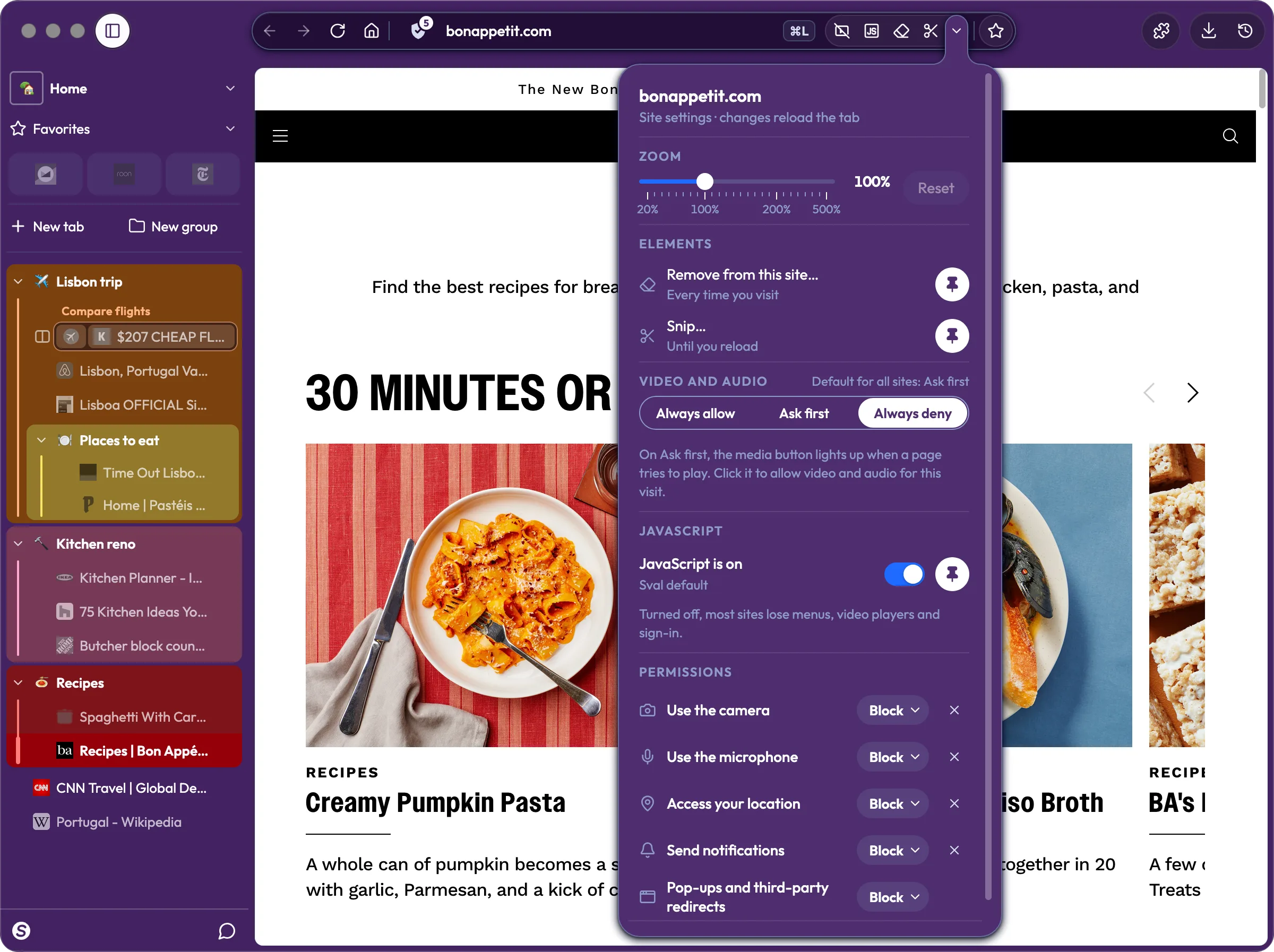
Turn off a site’s JavaScript with one click
A site won’t stop throwing pop-ups at you? Click the JavaScript button in the address bar, and the page reloads with its scripts off. Sval remembers your choice for that site and syncs it to your other devices.
Each site also follows your rules for video and audio, your camera and microphone, and extensions. Point at that cookie banner that isn’t really a choice anyways, and Sval hides it on that site every time you visit. You decide, and the site doesn’t get a vote.
Pins, Peeks, the Launcher, and link routing
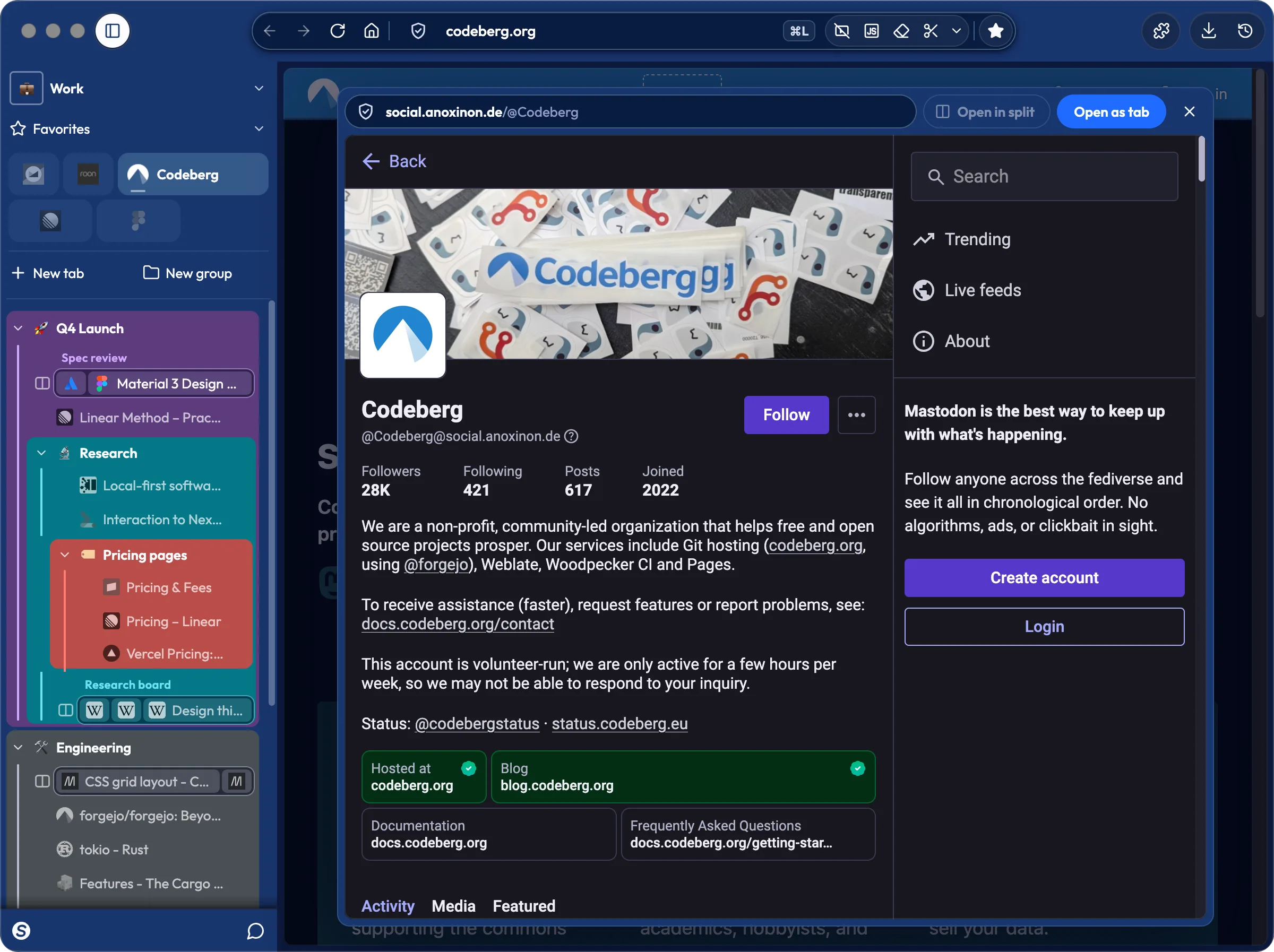
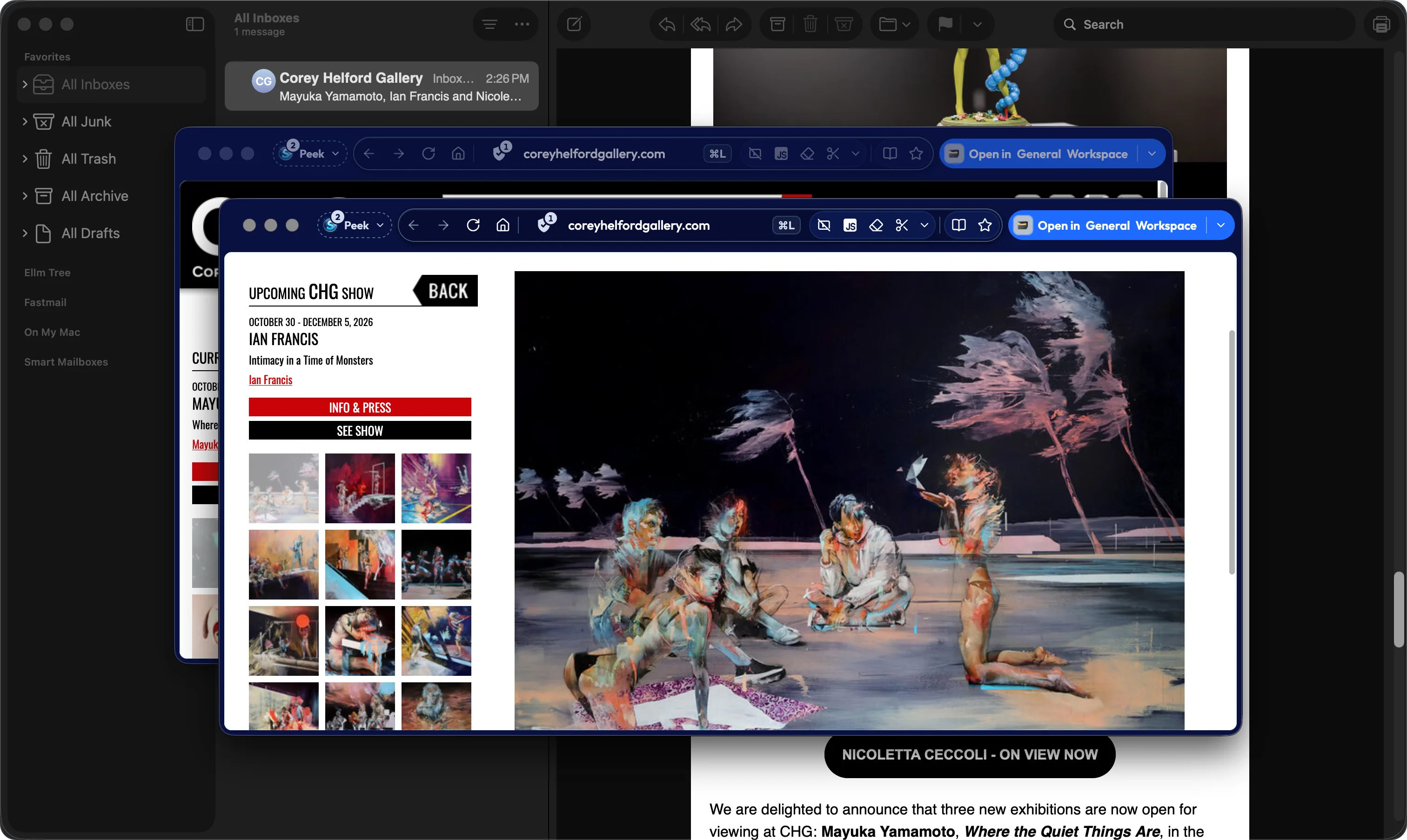
Pin the sites you use all day, and ⌘1 to ⌘9 jumps straight to them. Option-click (Alt-click) a link to peek at it without leaving your page, and links from Slack or Mail open in a Peek instead of dumping a tab into whatever you were doing.
Press ⌘L to find any tab, run a command, or search. Add a rule, and every Notion link goes straight to your Work Workspace.
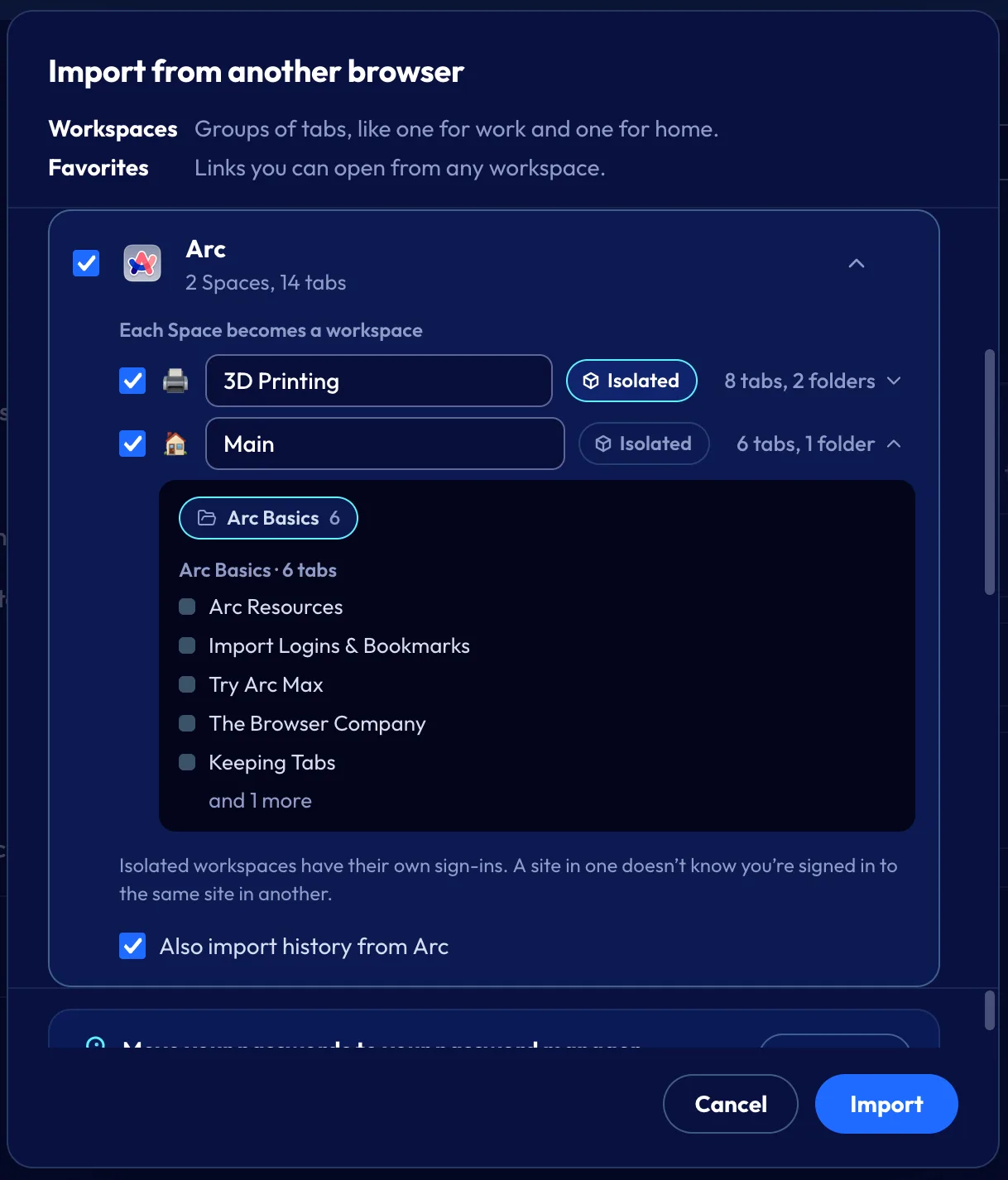
Bring your Arc Spaces with you
Arc stops working on December 22, 2026. Sval brings over what you built in it. Your Spaces become Workspaces with their colors and emoji. Your Favorites become pins, your folders become groups, and your splits become Splits. Each Arc profile can keep its own sign-ins.
Arc’s Peek, Command Bar, and Air Traffic Control have Sval versions: Peeks, the Launcher, and Link Docking.